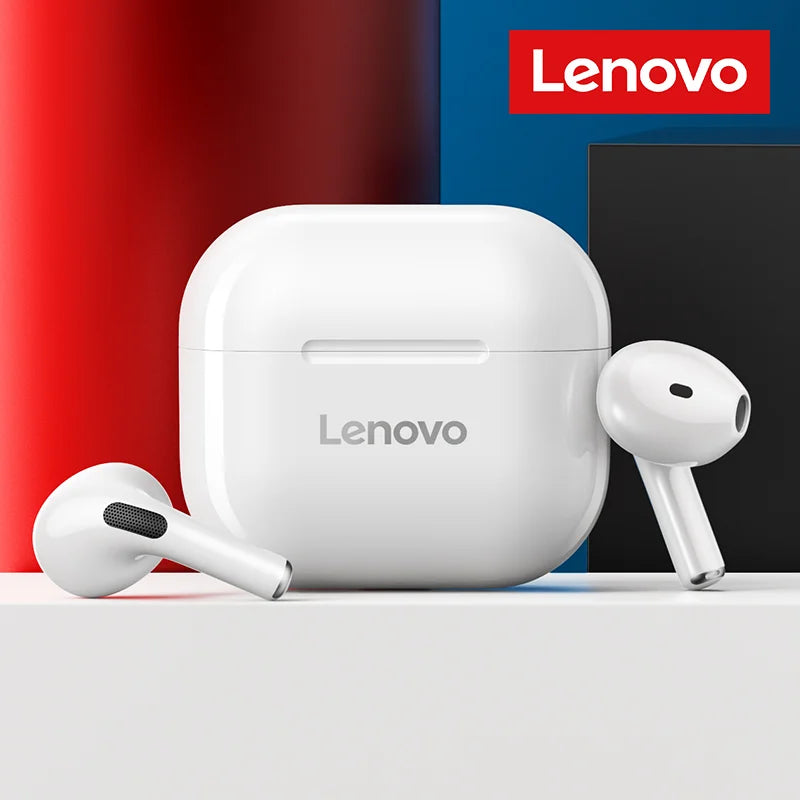
Original Lenovo LP40 Wireless Bluetooth Earbud with Controls & Long Standby hours.
Original Lenovo LP40 Wireless Bluetooth Earbud with Controls & Long Standby hours.
SPECIFICATIONS
Active Noise-Cancellation: Yes
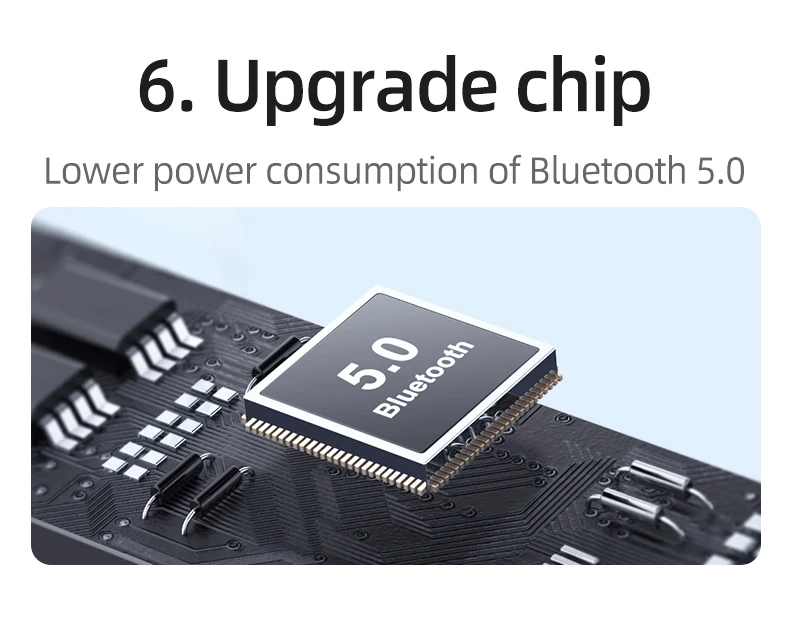
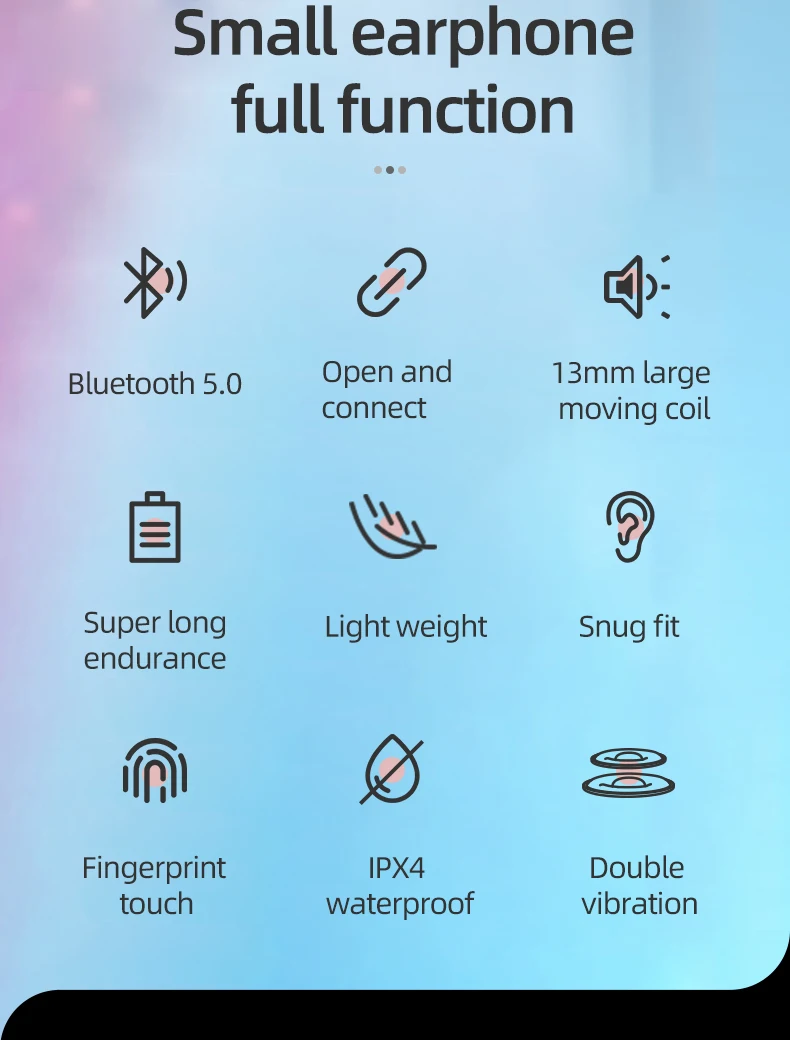
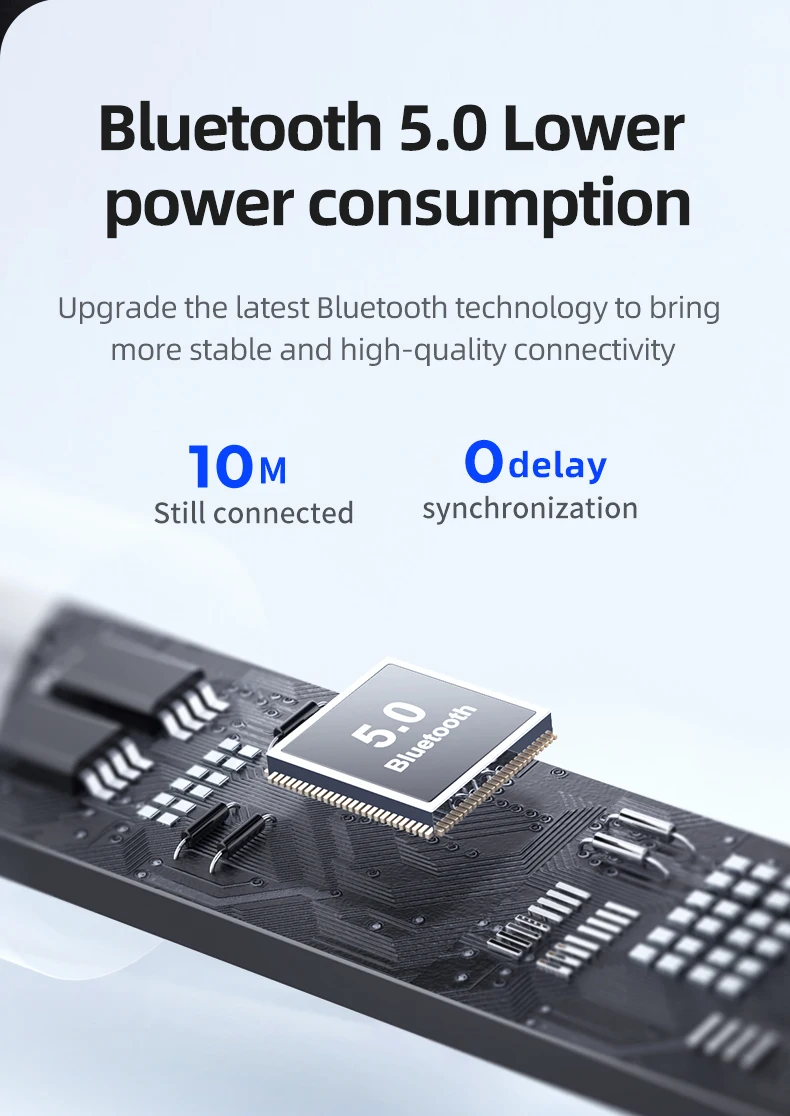
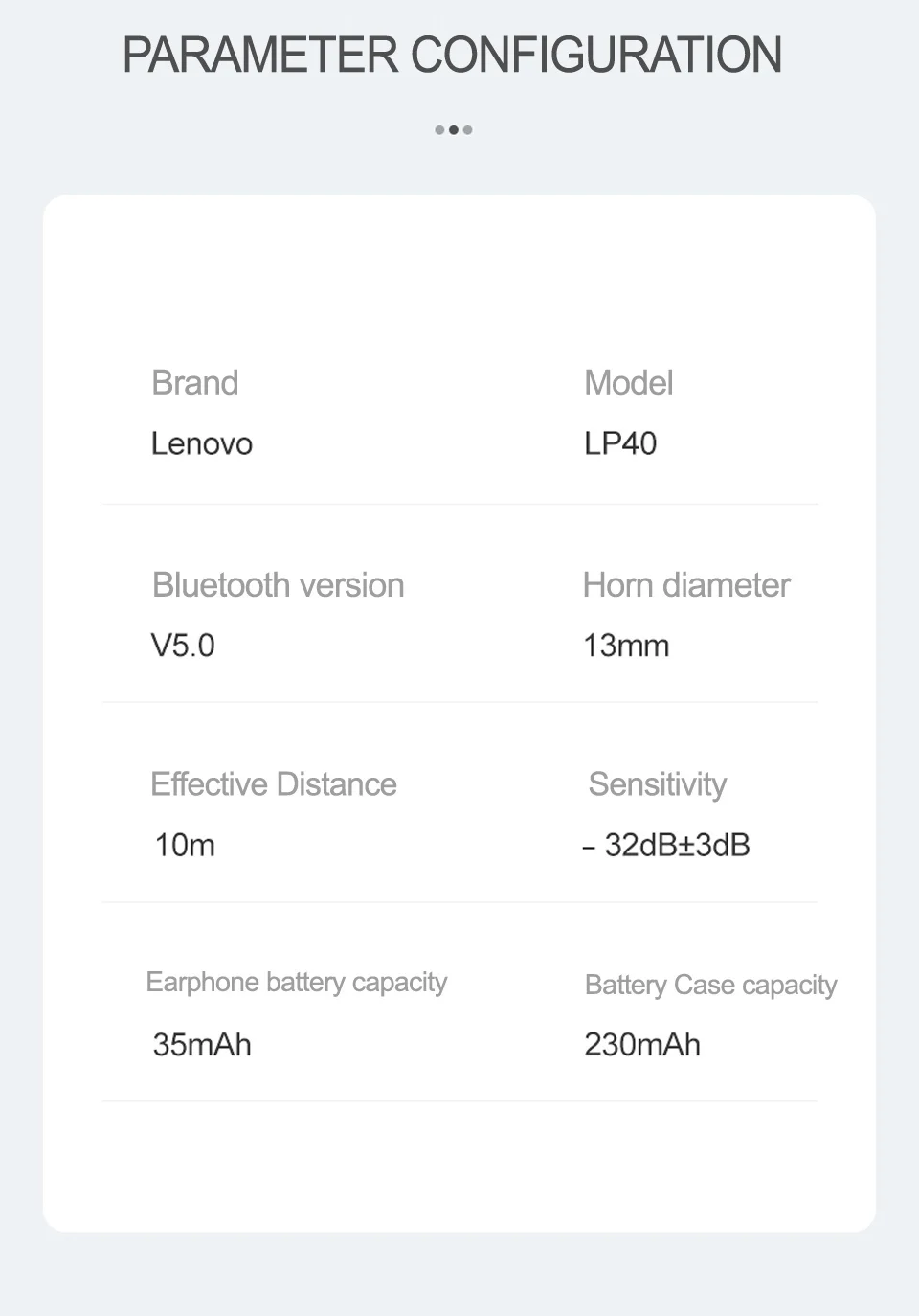
Bluetooth Version: 5.0
Brand Name: Lenovo
Category: Earphones & Headphones
Certification: CE,EAC,FCC
Charging Method: Charging case
Choice: yes
Communication: WireLess
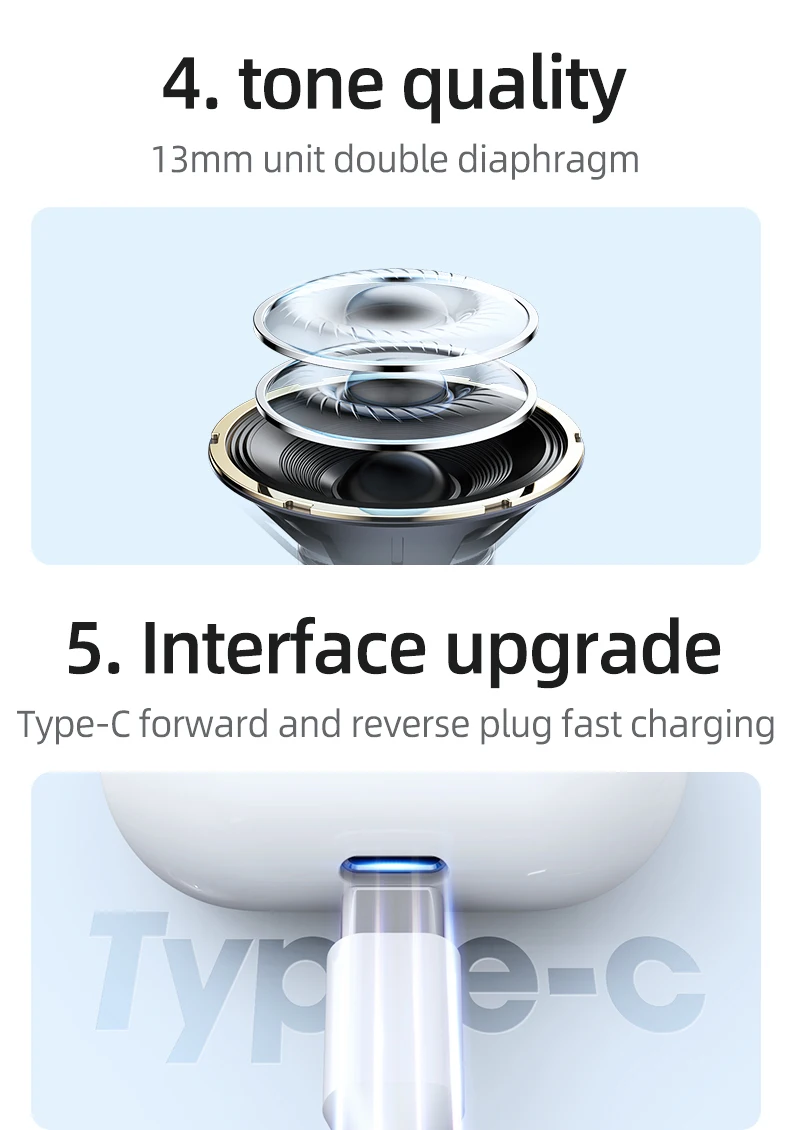
Connectors: Type c
Control Button: No
Driver Diameter: 13
Earcups Type: Semi-open
Features: Waterproof,With microphone,Active Noice Cancelling
Frequency Response Range: 20 - 20000
Function: for Video Game,Common Headphone,For Mobile Phone,HiFi Headphone,Sport
Headphone Pads Material: Other
High-concerned chemical: None
Impedance Range: over 100 Ω
Is wireless: Yes
Item Condition: New
Line Length: 0
Magnet Type: Other
Material: Metal,Plastic
Max Output: 10
Number Of Drivers: 2
Package List: User Manual,Charging case,Charging Cable
Plug Type: None
Resistance: 32
Sensitivity: 96
Style: Tws in-ear headphones
Support APP: No
Support Memory Card: No
Total Harmonic Distortion: 3
Vocalism Principle: Dynamic
Volume Control: Yes
Waterproof: Yes
Wireless Type: Bluetooth
With Microphone: Yes
Feature :
Lenovo Explosion-LP40 True Wireless Bluetooth earphones:
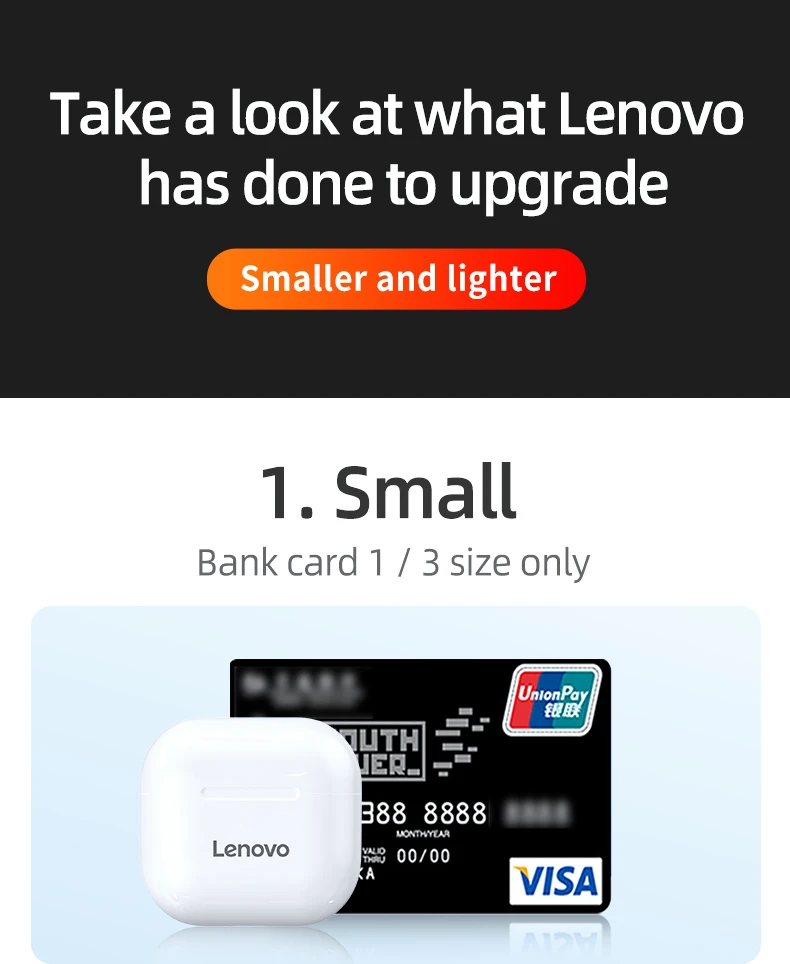
1.Suitable for the crowd: simple style, small appearance, more suitable for girls.
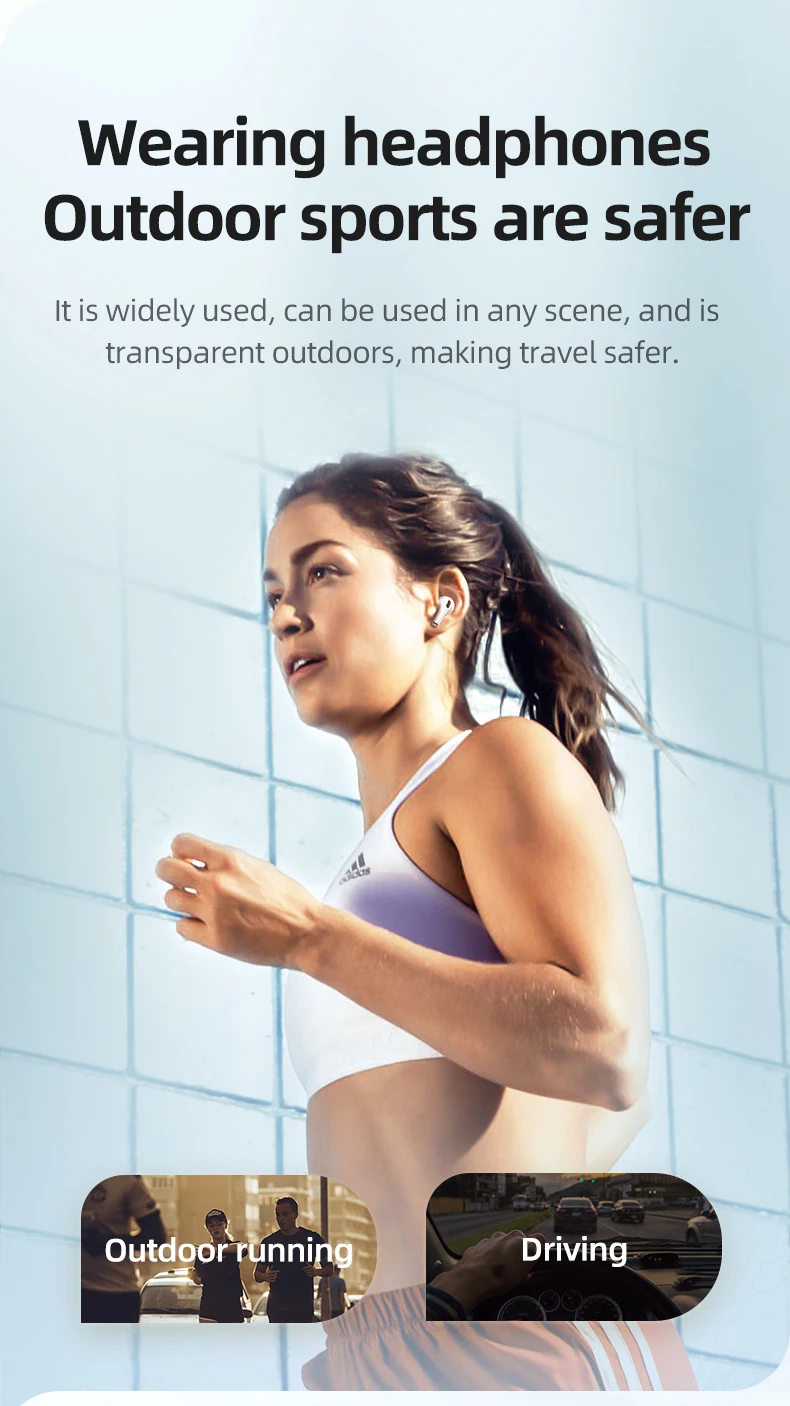
Suitable for scenes: music, sports and calls
2. Officially authorized by Lenovo, original guarantee
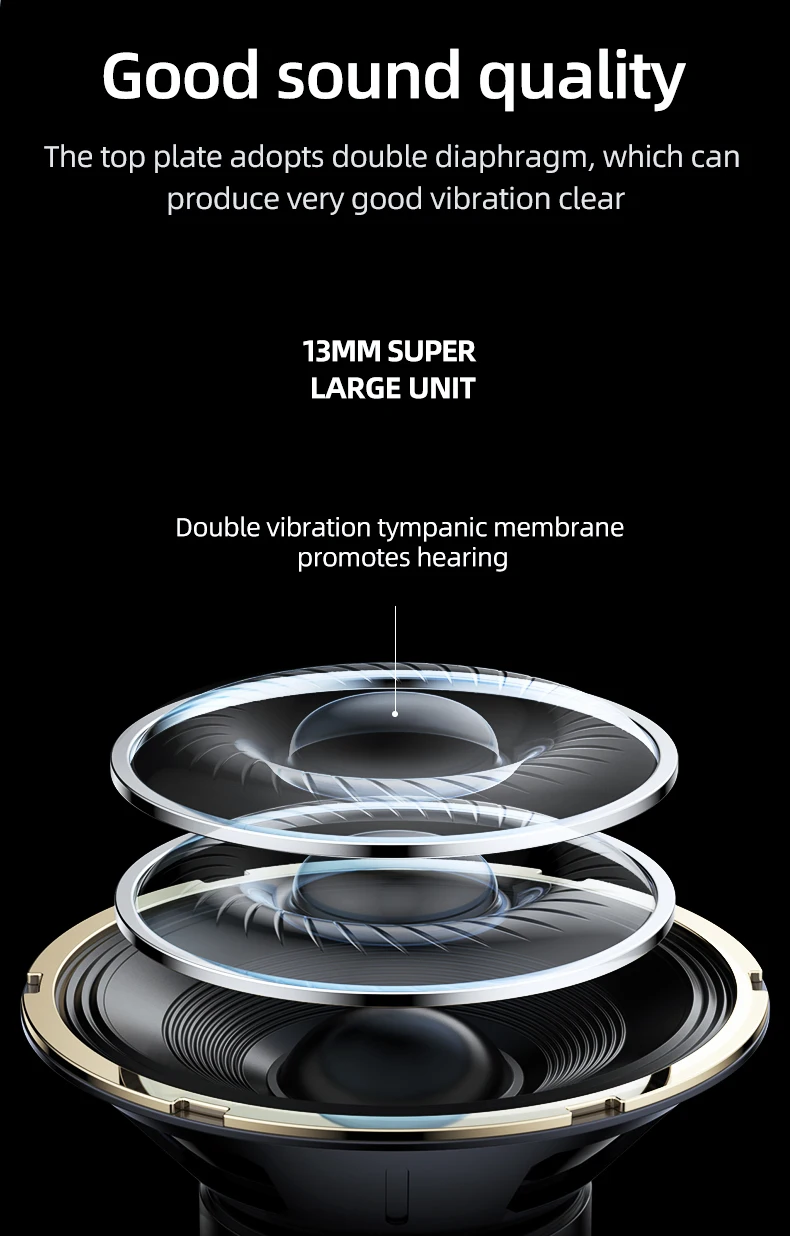
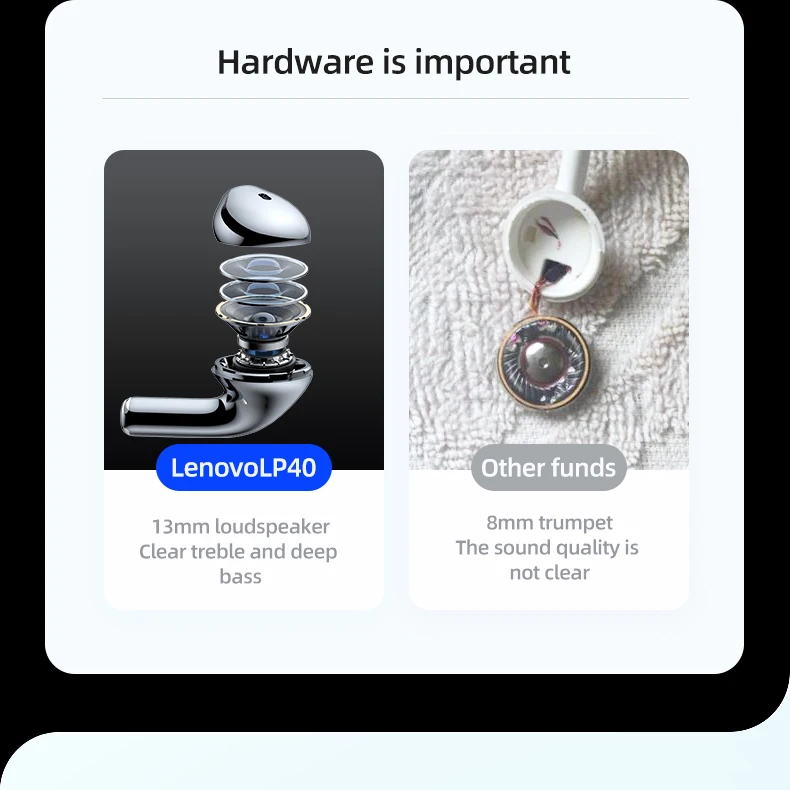
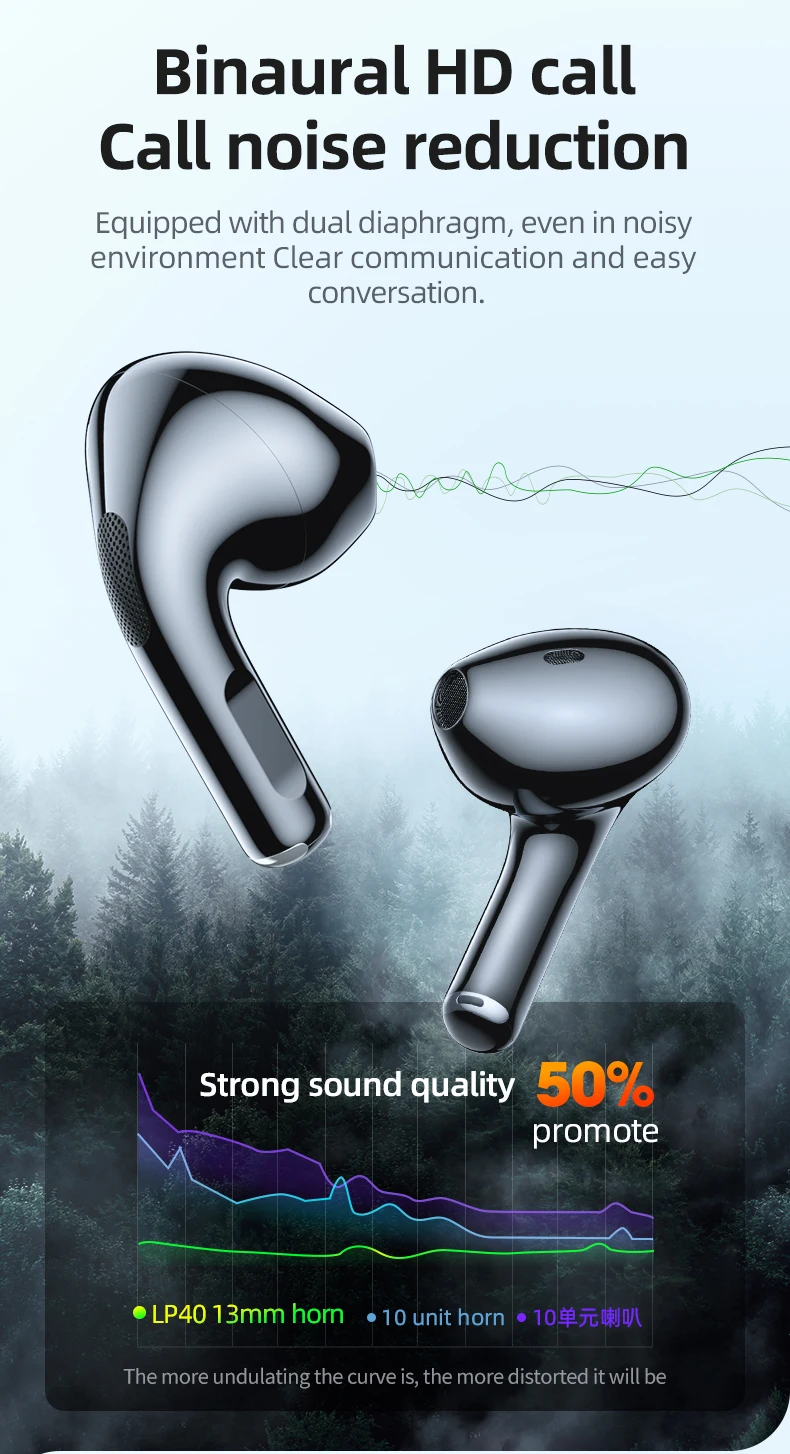
3.13mm pronunciation unit, high-quality sound
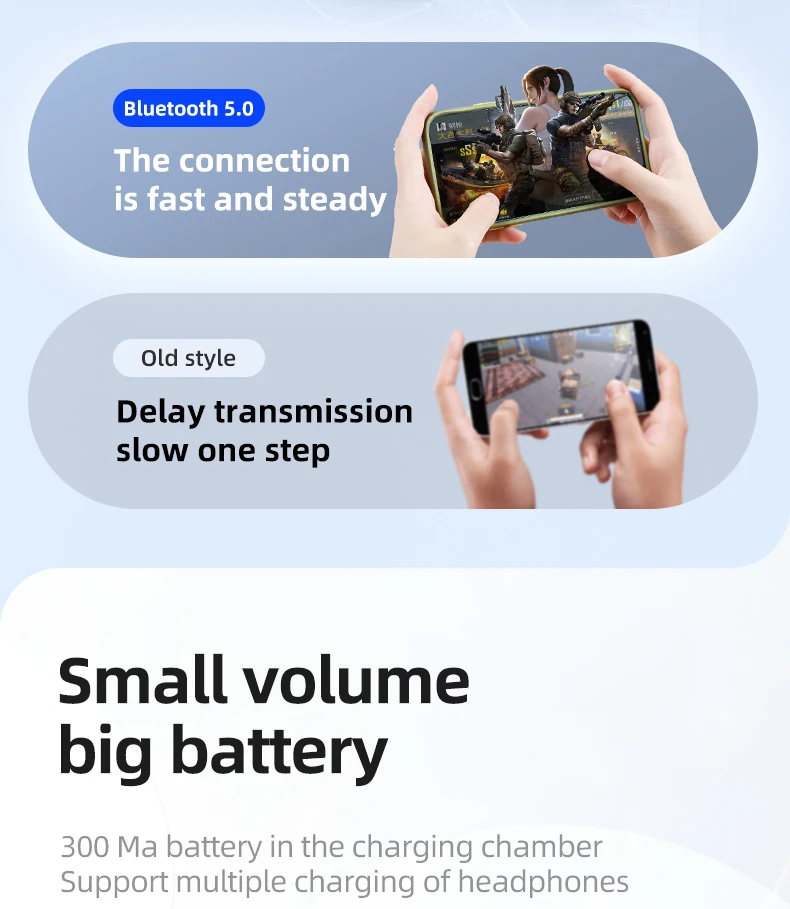
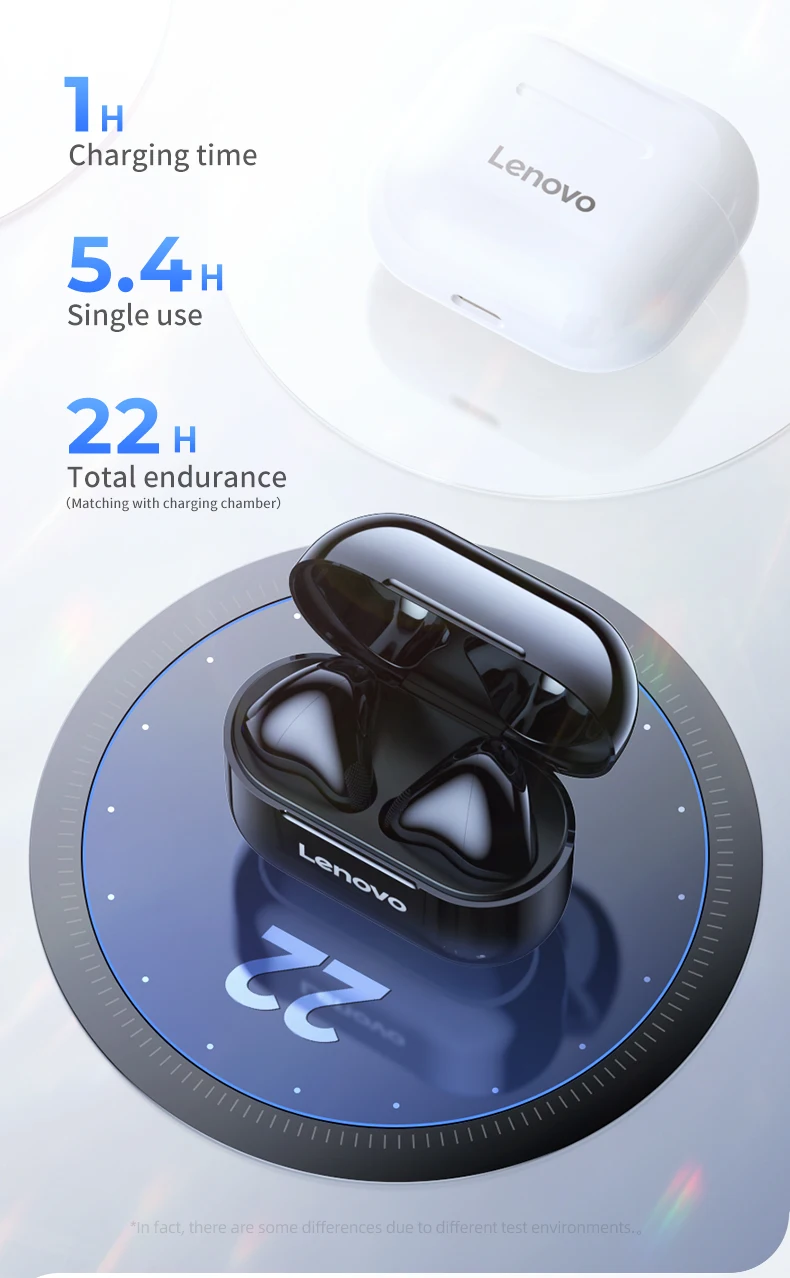
4. Upgrade large battery, long battery life
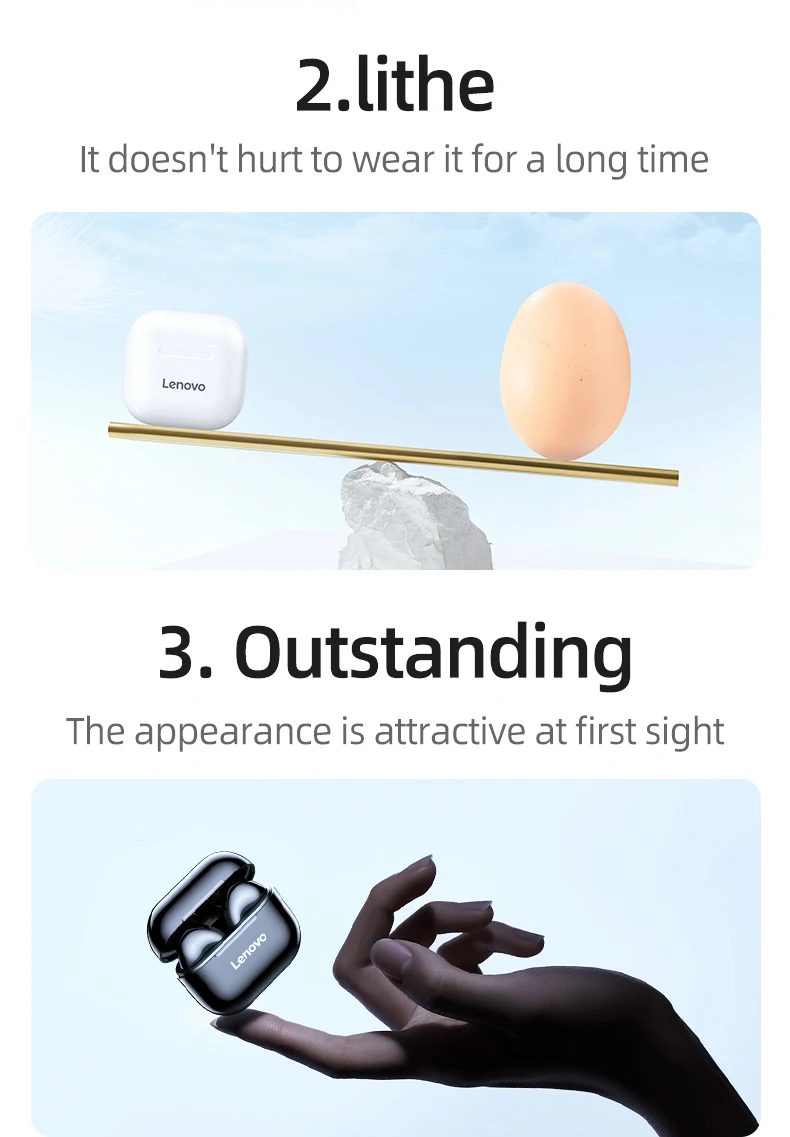
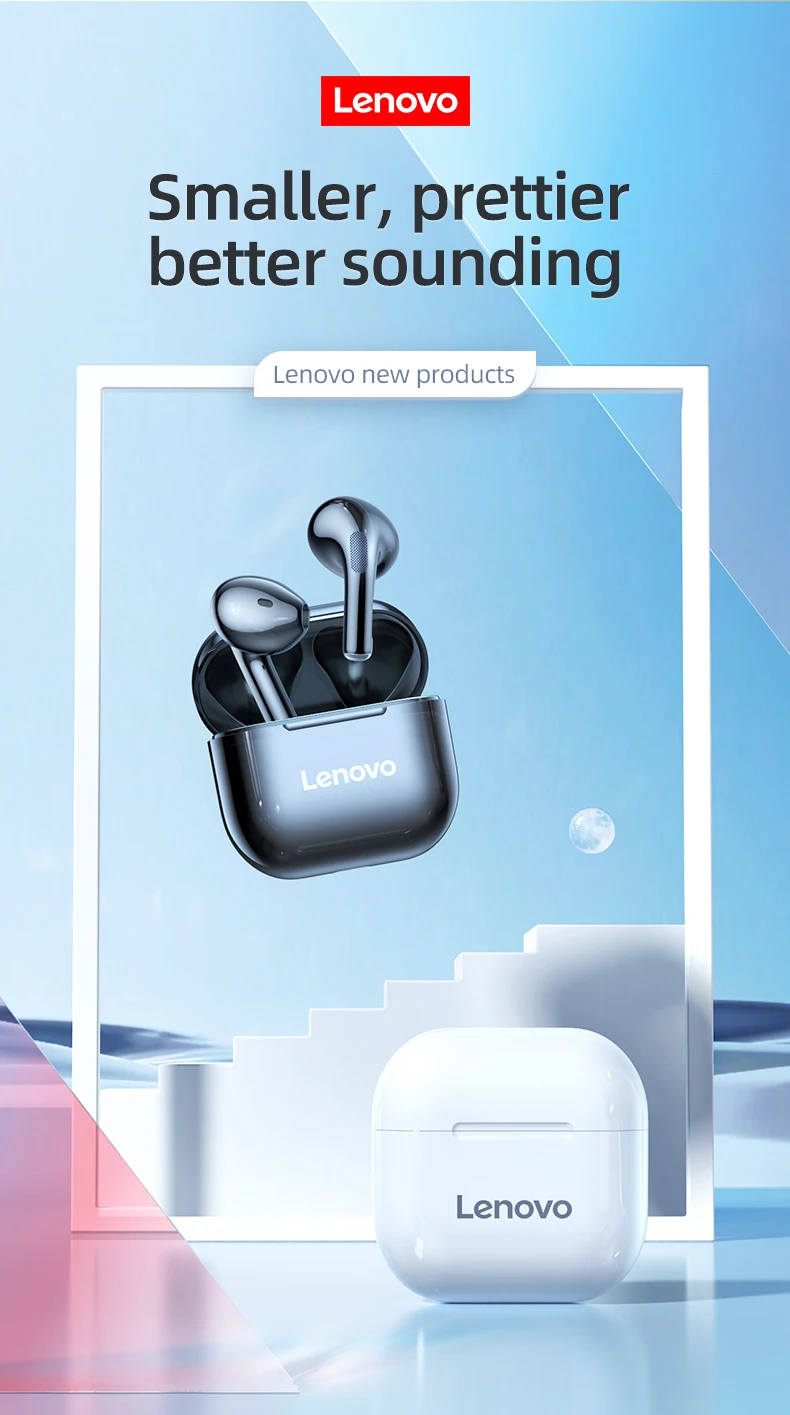
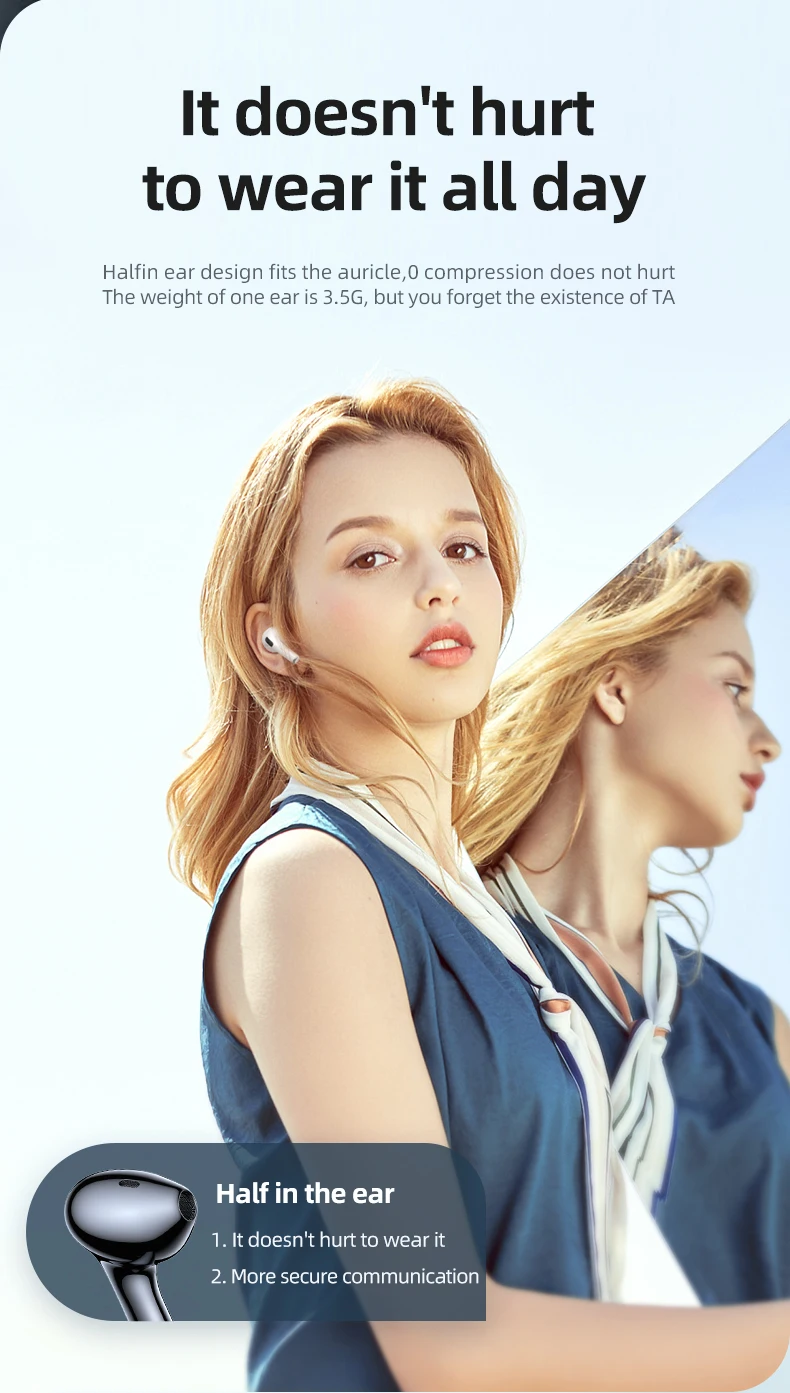
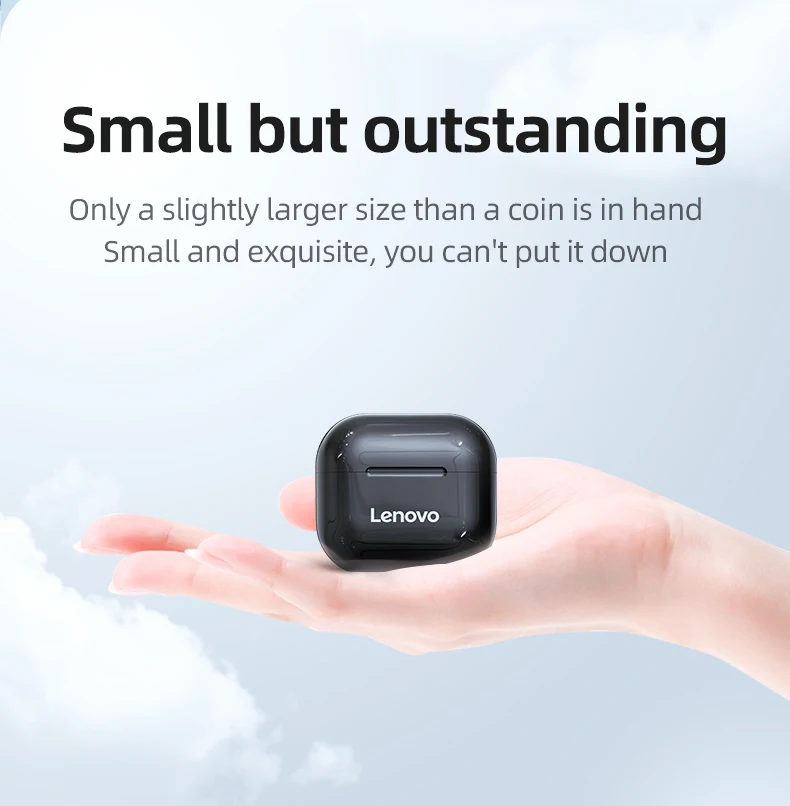
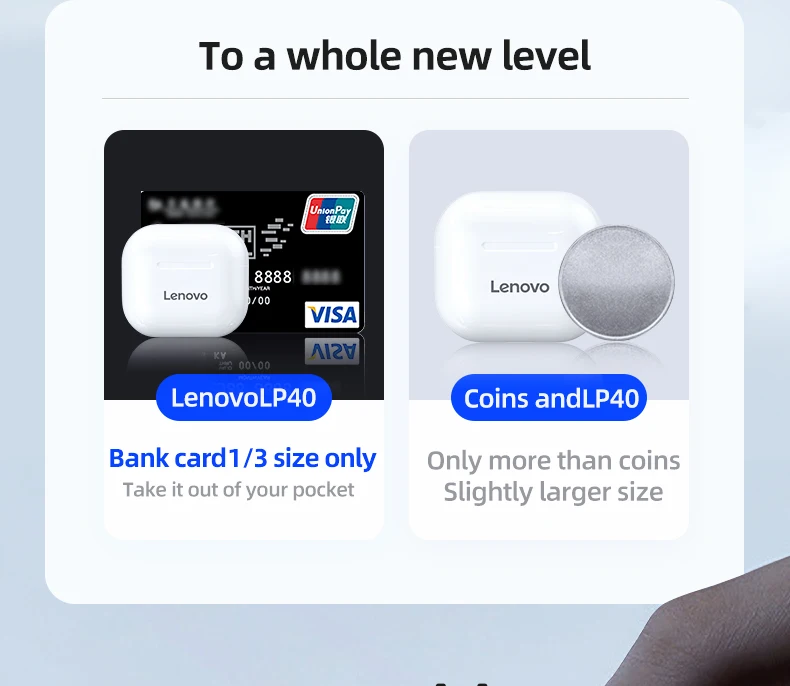
5. Smaller and more outstanding. Comfortable to wear, painless to wear for a long time
6. One of the highest-selling and most popular Bluetooth earphones on China's e-commerce platform
Accessories Lists:
1* User Manual
1* USB Cable
1* Charging Case
2* Bluetooth Earphones
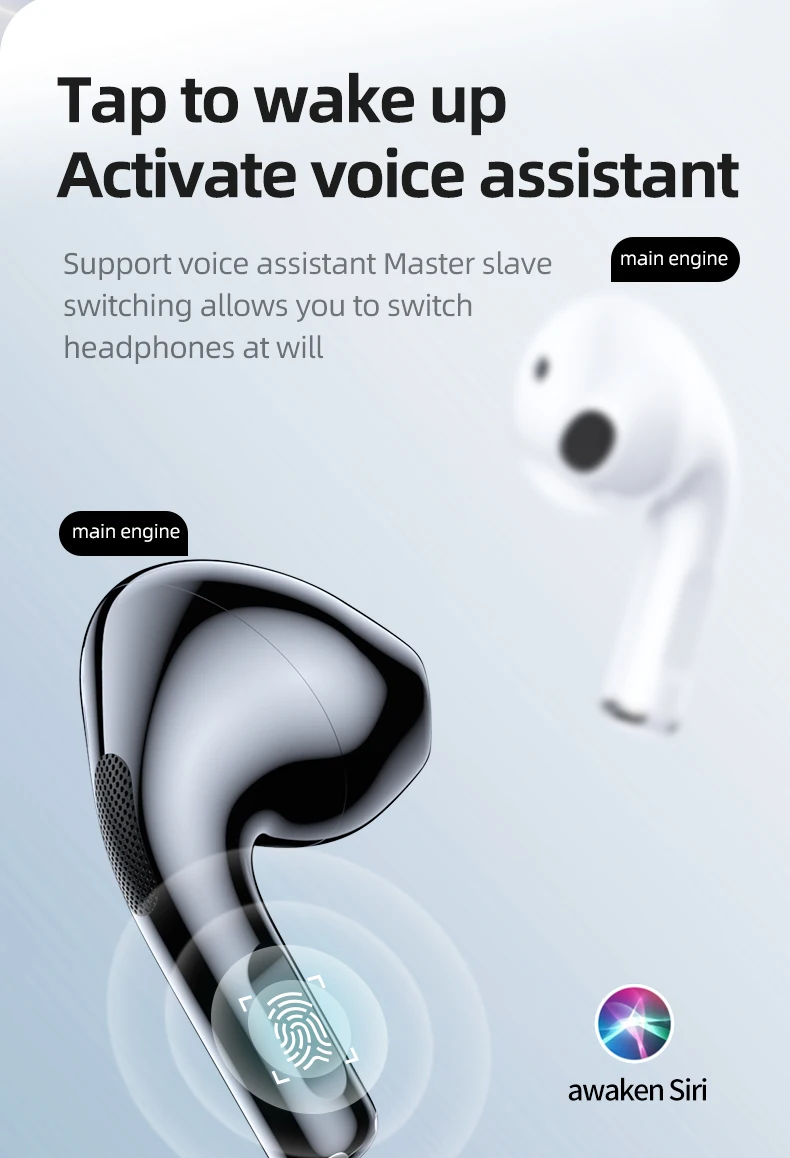
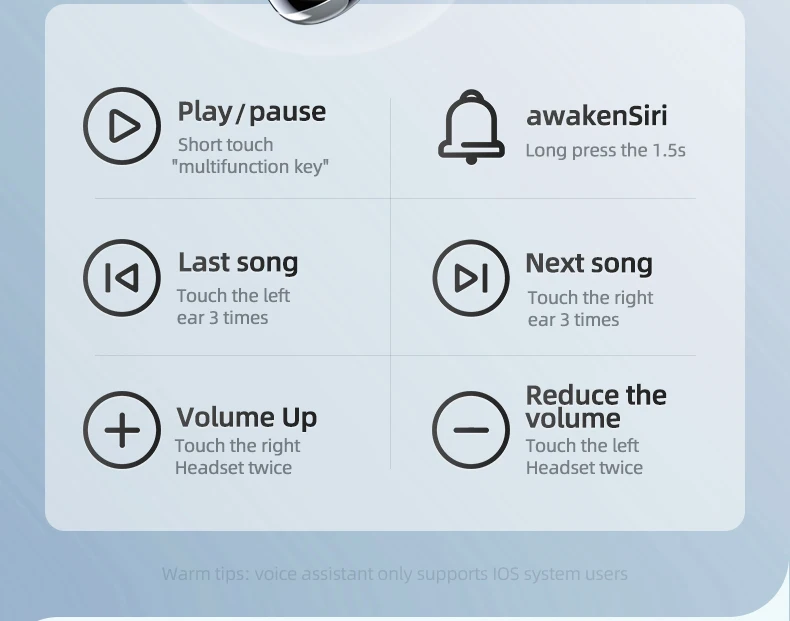
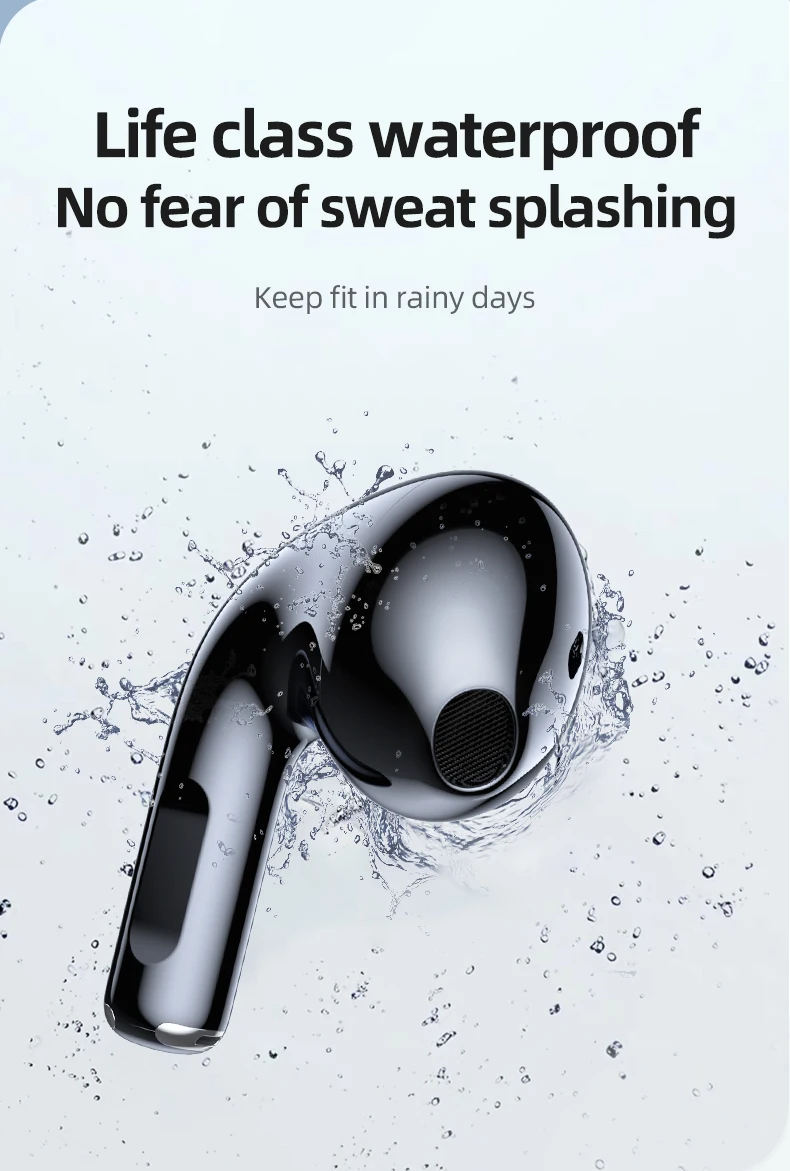
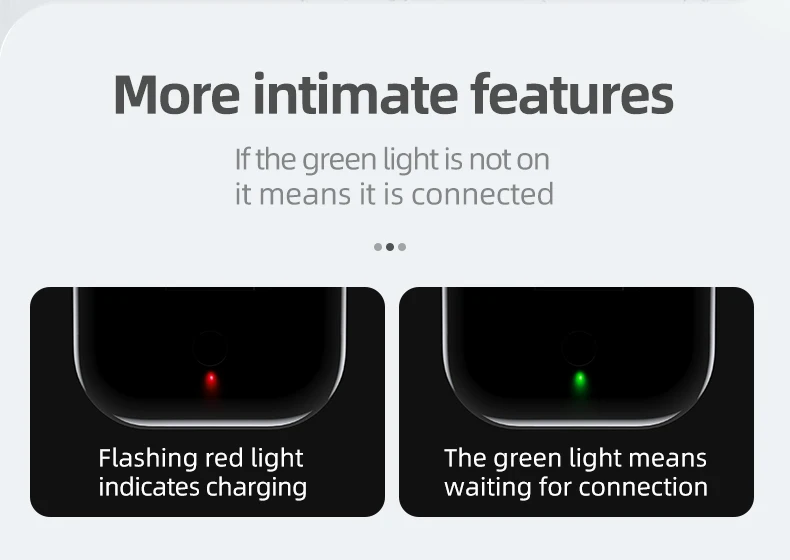

1. Why two earphones cannot be connected synchronously
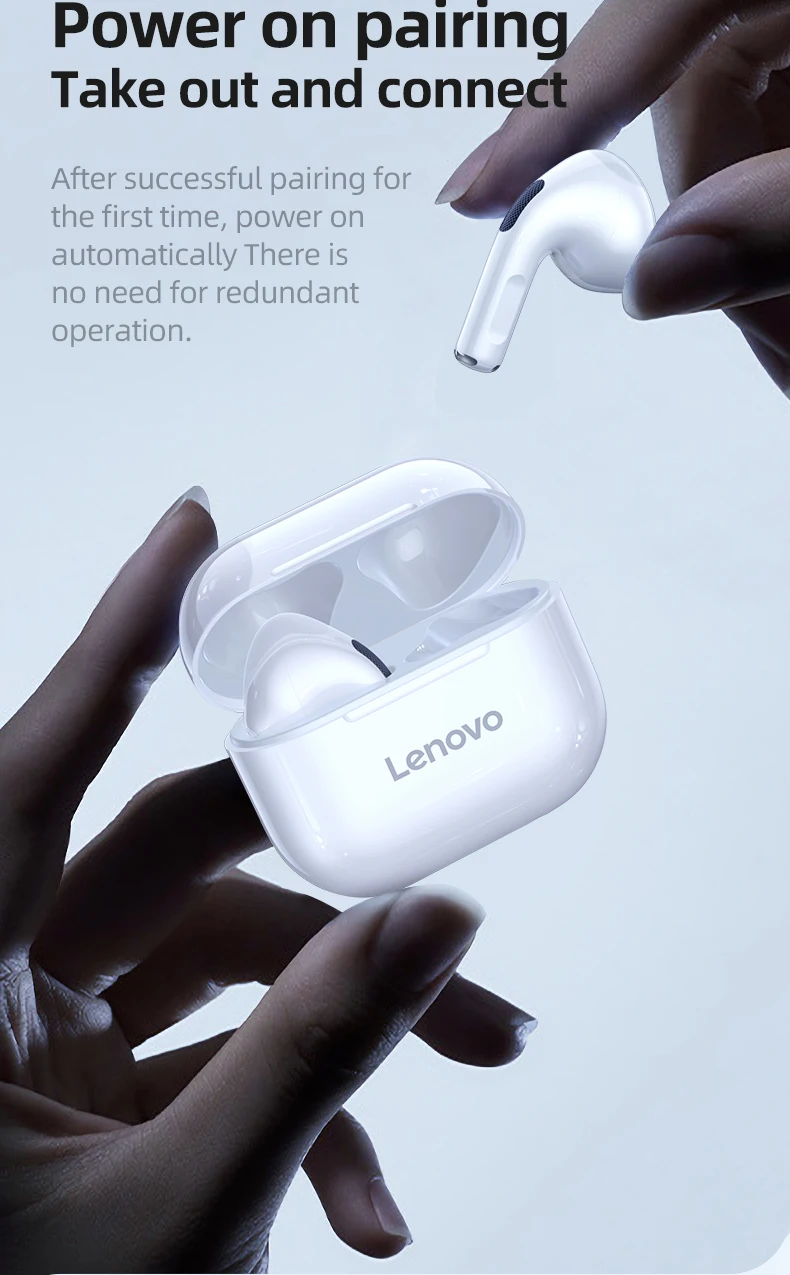
Answer: Because both earphones of LP40 contain separate chips. Very few earphones are out of sync on the first use after leaving the factory. You only need to do a manual sync to fix this problem permanently:
Please delete the bluetooth of the LP40 name on the mobile phone → turn off the bluetooth of the mobile phone → put the earphones back into the charging compartment and close the cover → wait for a while and then take out the two earphones at the same time, please do not press the touch position and please wait for 10 Turn on the mobile phone Bluetooth after a few seconds → find the LP40 Bluetooth name on the mobile phone and make a pairing connection.
2. Why can't I find the Bluetooth name of LP40.
Answer: Because the earphones are in a virtual state when they leave the factory and because of the package transportation time. Very few earphones will run out of power, please try again after charging.
Product features
Product features
Materials and care
Materials and care
Merchandising tips
Merchandising tips